Can I export the deals I see in Clari?
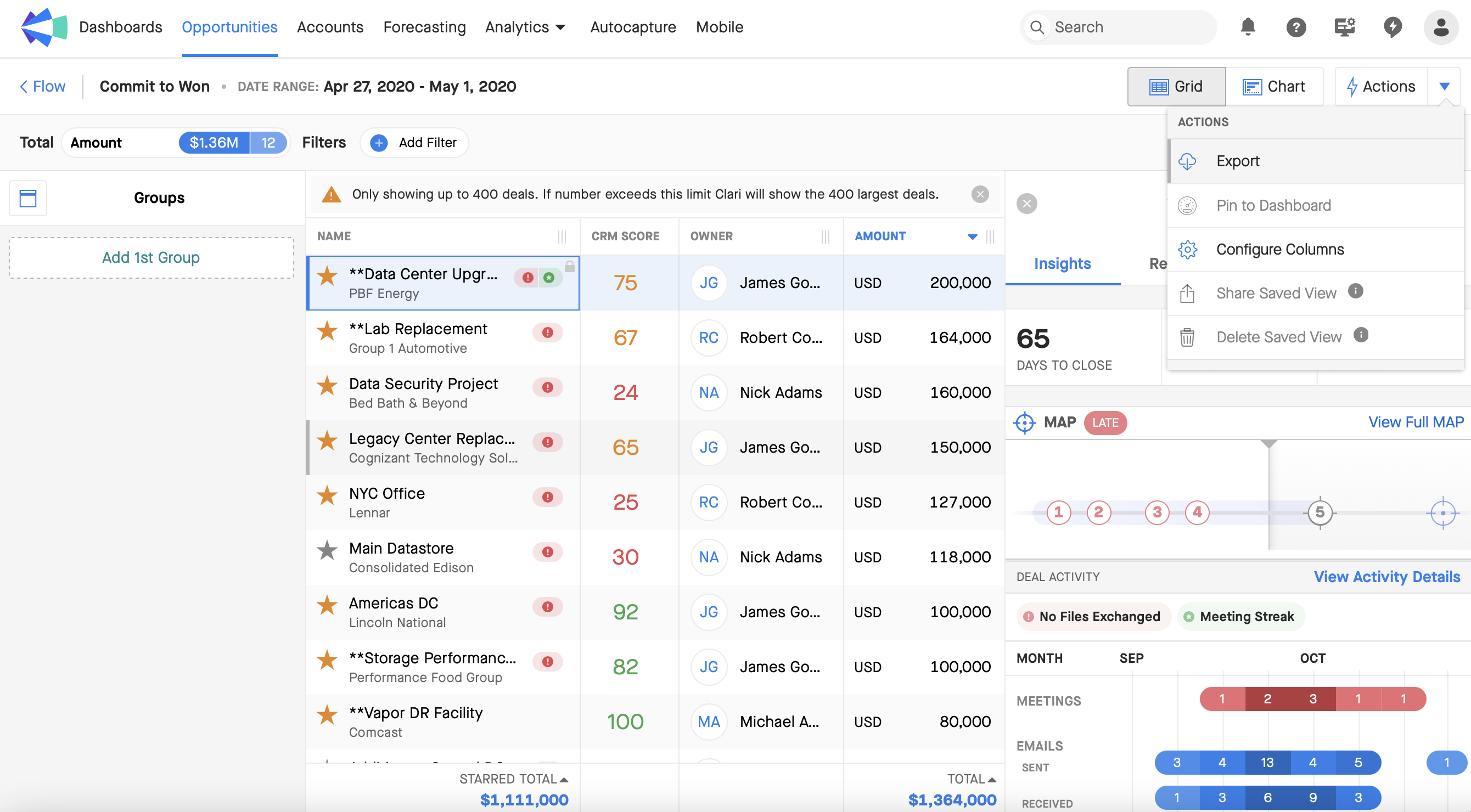
You can export deals from the Opportunity Grid in Clari to a .CSV file. Clari will export to your downloads file. ✅
How to export in Opportunities Module
1. Click Actions in the top-right corner, select Export.
2. When your file is ready, you'll get a notification in the top-right corner.  Click the notification to download your file. The file is available to download for 7 days.
Flow Analytics Module
If you drill down to the specific deals in any bucket in Flow, then you can export them from the grid by following the steps above. For example, we might drill down to Won deals in Commit, like this:
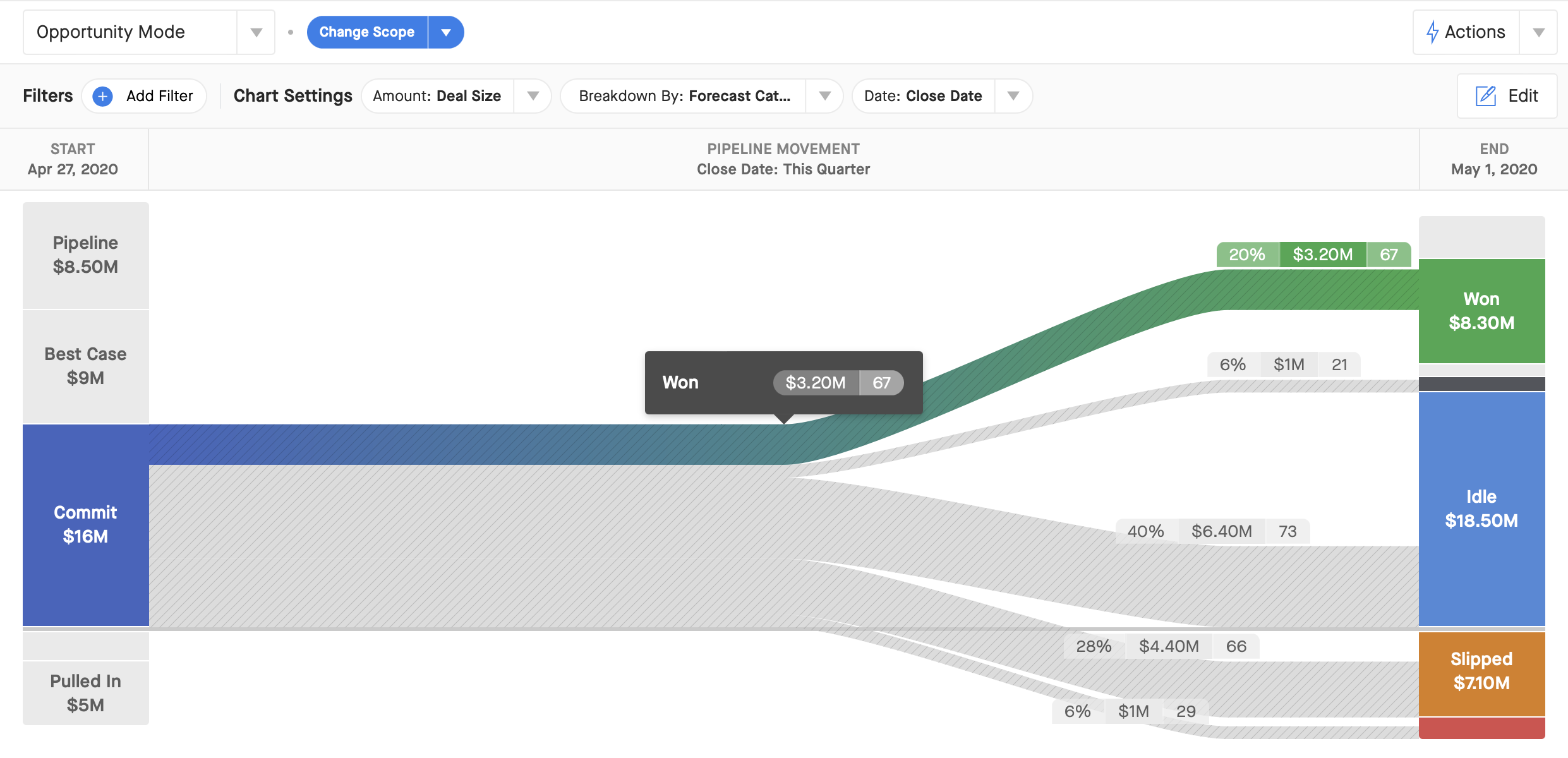
After you click on Won deals, you'll see them in the Opportunities Grid. From there, you can follow the same export steps above to get a .CSV file.