Forecast Status
Field Forecast Status
In the Forecast Module, each call field (i.e., Most Likely, Best Case) is assigned a status of Incomplete, Overdue, or Complete. This status is based on your organization's regular forecasting period (i.e., a new forecast period begins every Monday).
- Incomplete (red X icon): A value has not been saved in this field (the field is blank).
- Overdue (yellow clock icon): The value in this field has not been updated within your current forecasting period. The field is not blank, but the number that's entered is from a previous forecasting period.
- Complete (green checkmark icon): The value in this field is from this forecasting period. The number in this field is the individual's up-to-date forecast call.
User Forecast Status
Each person will also have a status associated with their forecast call(s). The status of the user's fields will determine the user's status (details below).
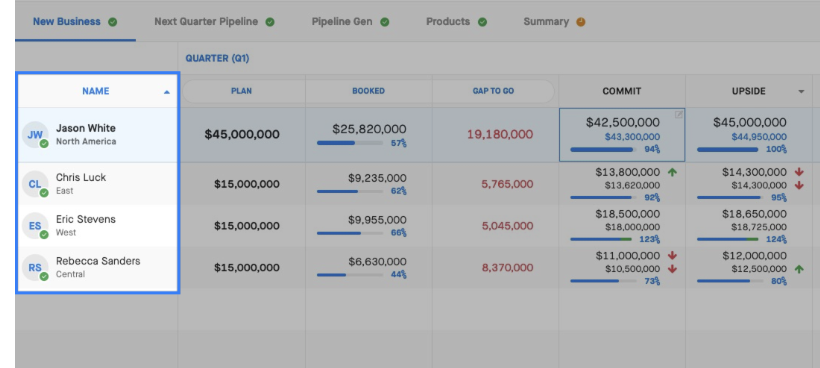
The status of each individual user's forecast is determined as follows:
- If at least one of the user's call fields is incomplete, then the status is Incomplete (red).
- Otherwise, if at least one of the user's call fields is overdue, then the status is Overdue (yellow).
- Otherwise, the status is Complete (green).
Tab Forecast Status
Finally, each tab in the Forecast Module will have a status associated with it. The status of the fields in the tab (at the top) will determine the status of the tab (details below).
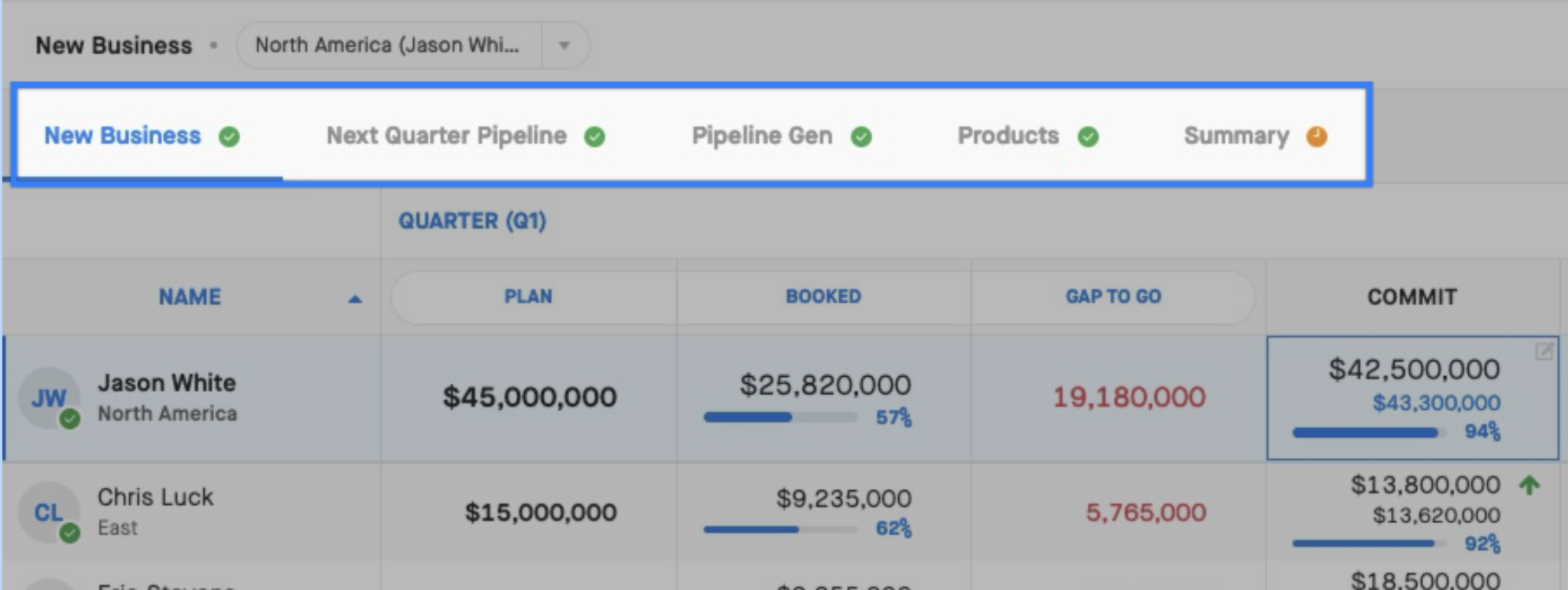
The status of each forecast tab is determined as follows:
- If there is at least one field in the tab that is incomplete, then the status is Incomplete (red).
- Otherwise, if there is at least one field in the tab that is overdue, then the status is Overdue (yellow).
- Otherwise, the status is Complete (green).
