Why can't I get the Forecast data to show up in Pulse?
In order to pull data from Forecasting into Pulse, the following criteria must be true:
1. In the Scope, you must select a node in the hierarchy where someone is submitting a forecast (i.e. an Admin node probably doesn't have anybody forecasting in it, but the Worldwide Sales node does).
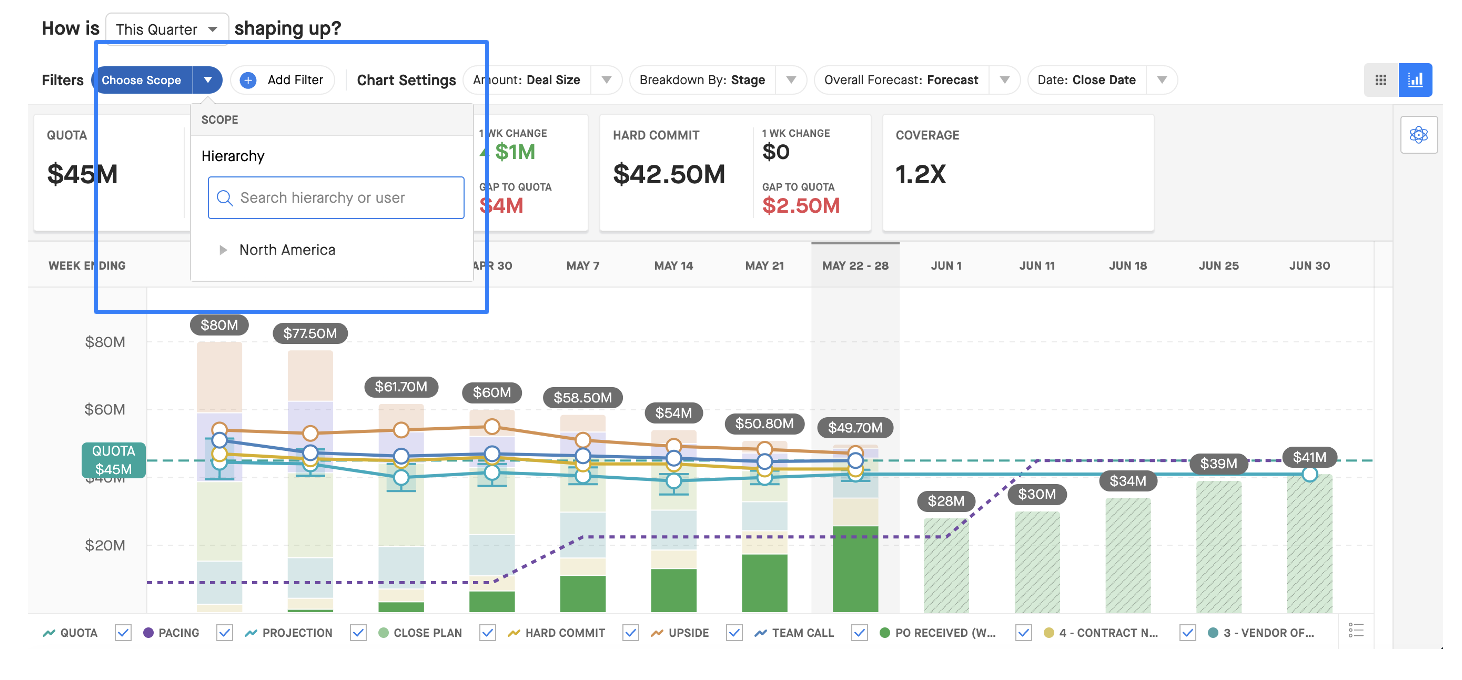
2. In Chart Settings, select a Forecasting tab (i.e., New Business, Renewals, Product Lines, etc.)

3. At the top-right of the graph, toggle the Chart. Then, make sure you select the Forecast section:
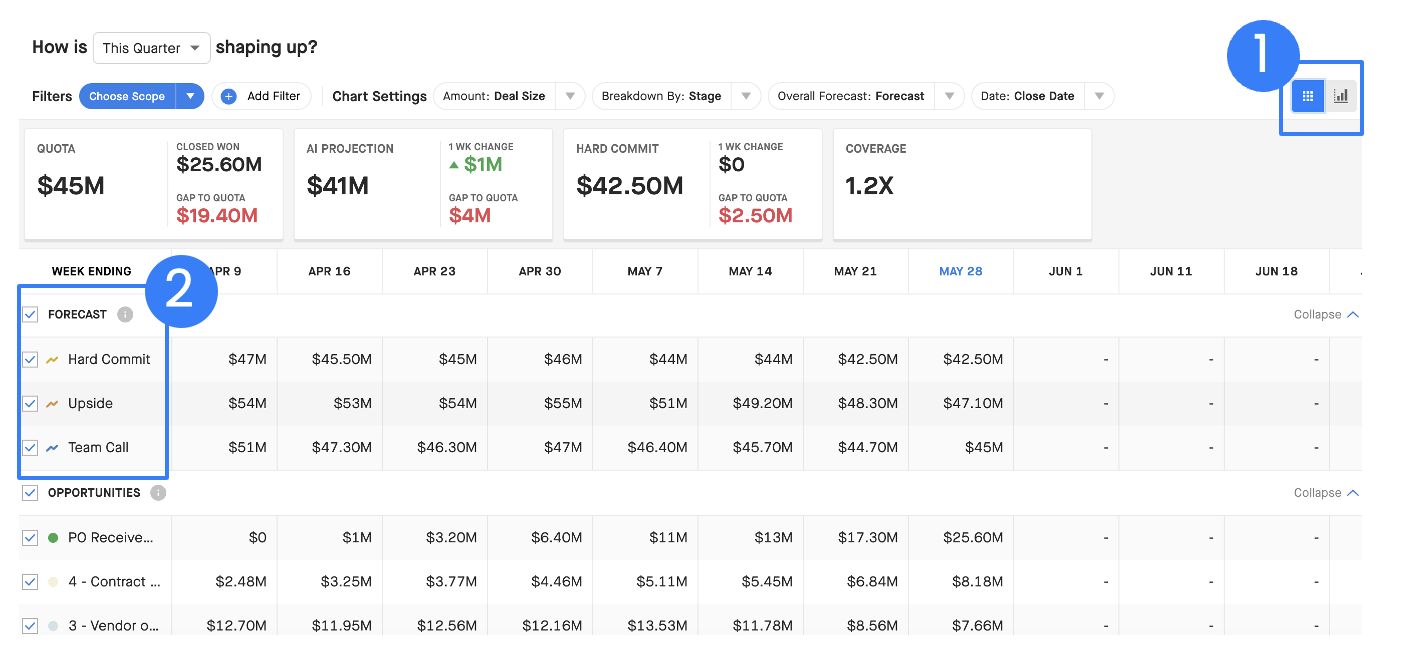
Note: If your organization uses the role hierarchy to determine the rollup structure in the panel on the left-hand side of Forecasting, but the territory hierarchy in the Analytics Modules, then you will not be able to overlay Forecasting data in the Analytics Modules.
Further Learning
To learn more about how to set your Chart Settings in Pulse, check out our article on Chart Settings in Analytics.
