Opportunities Saved View and Widget Chart Grouping Limit
When viewing an Opportunities saved view in chart mode, you can display up to the limit of 30 total grouping combinations.
For example, if you apply 2 groups to your chart, with one group having 4 options and the other having 8, then the total possible combinations equal 32 (8 x 4), which exceeds the limit of 30.
⚠️ When this happens, Clari displays the warning shown below. ⚠️
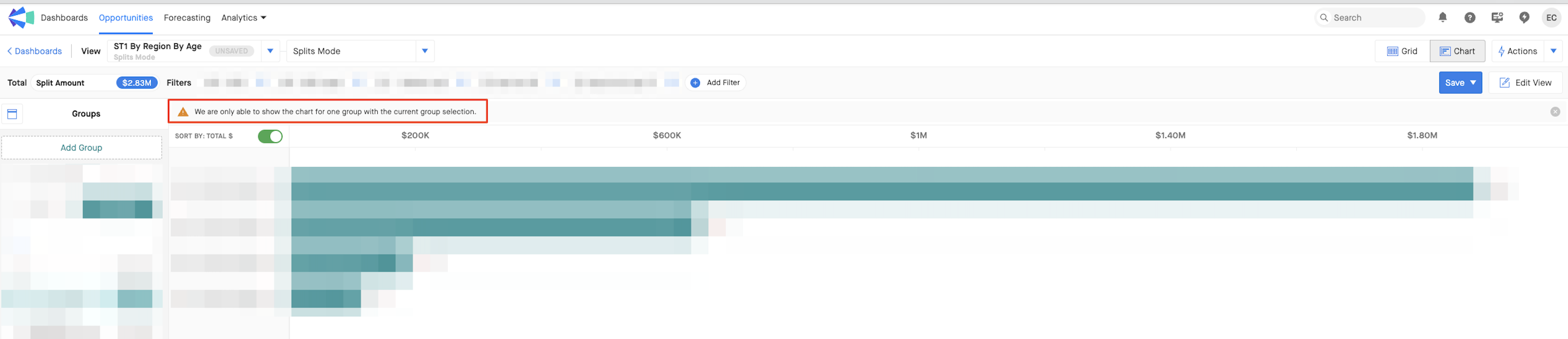
To work around this, you can either use fewer groupings for your chart—or only select specific values within a grouping to show in the chart.
To select multiple values at a time, hold Ctrl (Windows) or Cmd (Mac) and click on each of the values you want to show in the chart. ⌨️
