Grouping Opportunities
Overview
Once you’ve selected a Saved View and are focused on the right set of deals, use Groups to organize your deals by different dimensions. If filters determine which opportunities appear in your Saved View, then Groups organize the opportunities by whatever criteria you set.
Groups are similar to Filters, but they let you dynamically see the total value and count of Opportunities by category.
In this article, you'll walk through:
- Adding a Group
- Adding a Secondary Group
- Re-ordering Groups
- Removing Groups
- Collapsing the Groups Panel
Add a Group
You’ll find Groups in the left-hand panel.
To add a Group
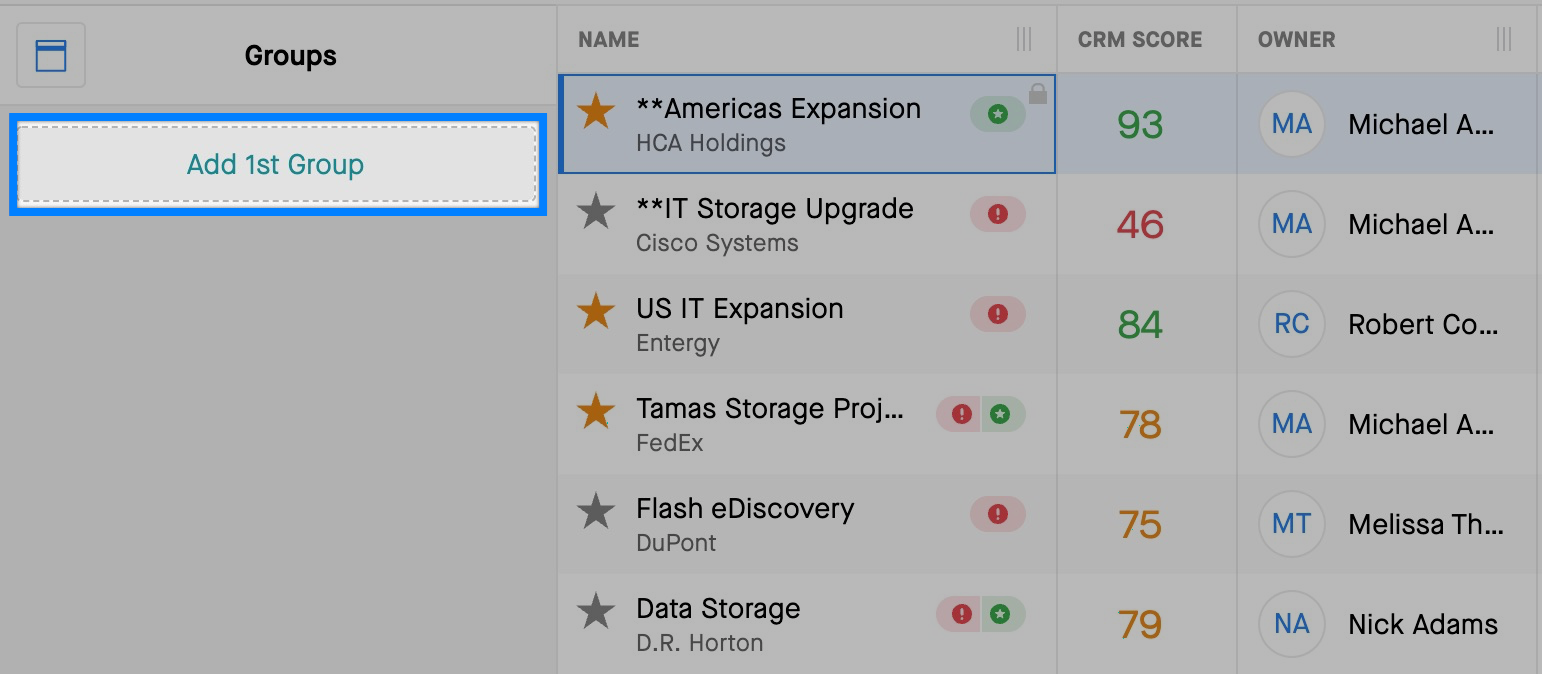
- In left-hand panel, click Add 1st Group.
- Select a value, such as Owner. You’ll see your deals are now broken down by the different opportunity owners.
- Select a Rep to see only their deals in the Grid.
Adding a Secondary Group
You can add a secondary Group to further break down the list of deals. The values in the second Group adjust based on what you’ve selected in the first Group.
Example
- Add a second Group for Forecast by clicking Add Group in the left-hand panel.
- If you select James Gonzales in the first Group, you’ll see the values in the second Group adjust to show you what James Gonzales has across Best Case, Commit, and Closed.
Re-ordering Groups
To re-order your
Groups, click and drag the drag-and-drop icon.

Drop the
Group you’d like to re-arrange into the desired order.
Removing Groups
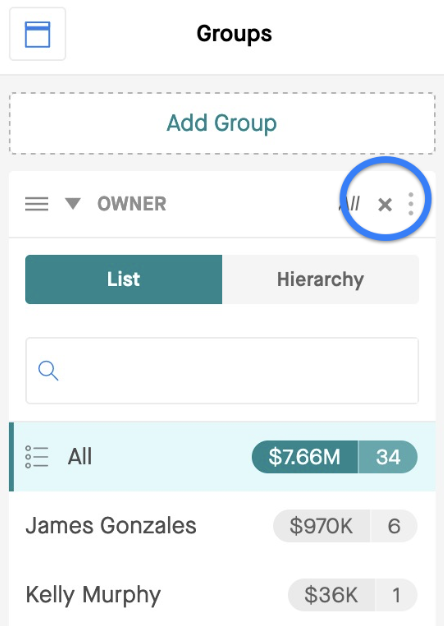
Click X to remove the Group.
Collapsing the Groups Panel
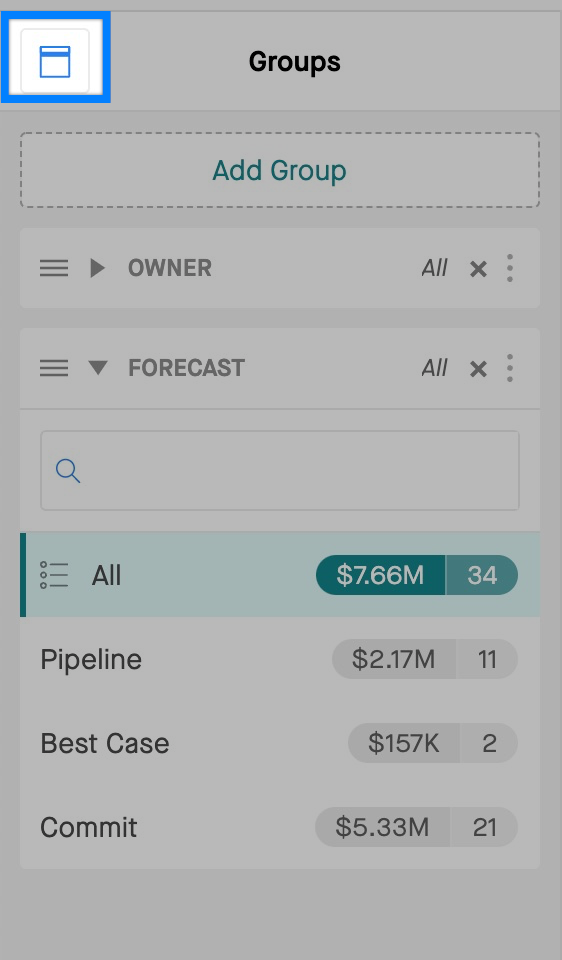
- You can collapse the Groups Panel on the left-hand side by clicking on the Groups Icon.
- You’ll still be able to leverage Groups, but you’ll see them as breadcrumbs above the screen just below the Filters Bar.
- In the collapsed view, you can still select different segments within the Groups and add additional Groups.