Top Deals Widgets for a Pipeline Hygiene Dashboard
Overview
This doc teaches you which Clari Widgets to use for a Pipeline Hygiene Dashboard.
This dashboard drives deal hygiene and improves data quality, which can help Clari's AI to more accurately predict where your team will land earlier in the quarter. It will drive more data-driven 1:1s that leave you with more time to coach your reports and less time asking your reps to answer basic questions about their deals.
Widgets for Deal Clarity
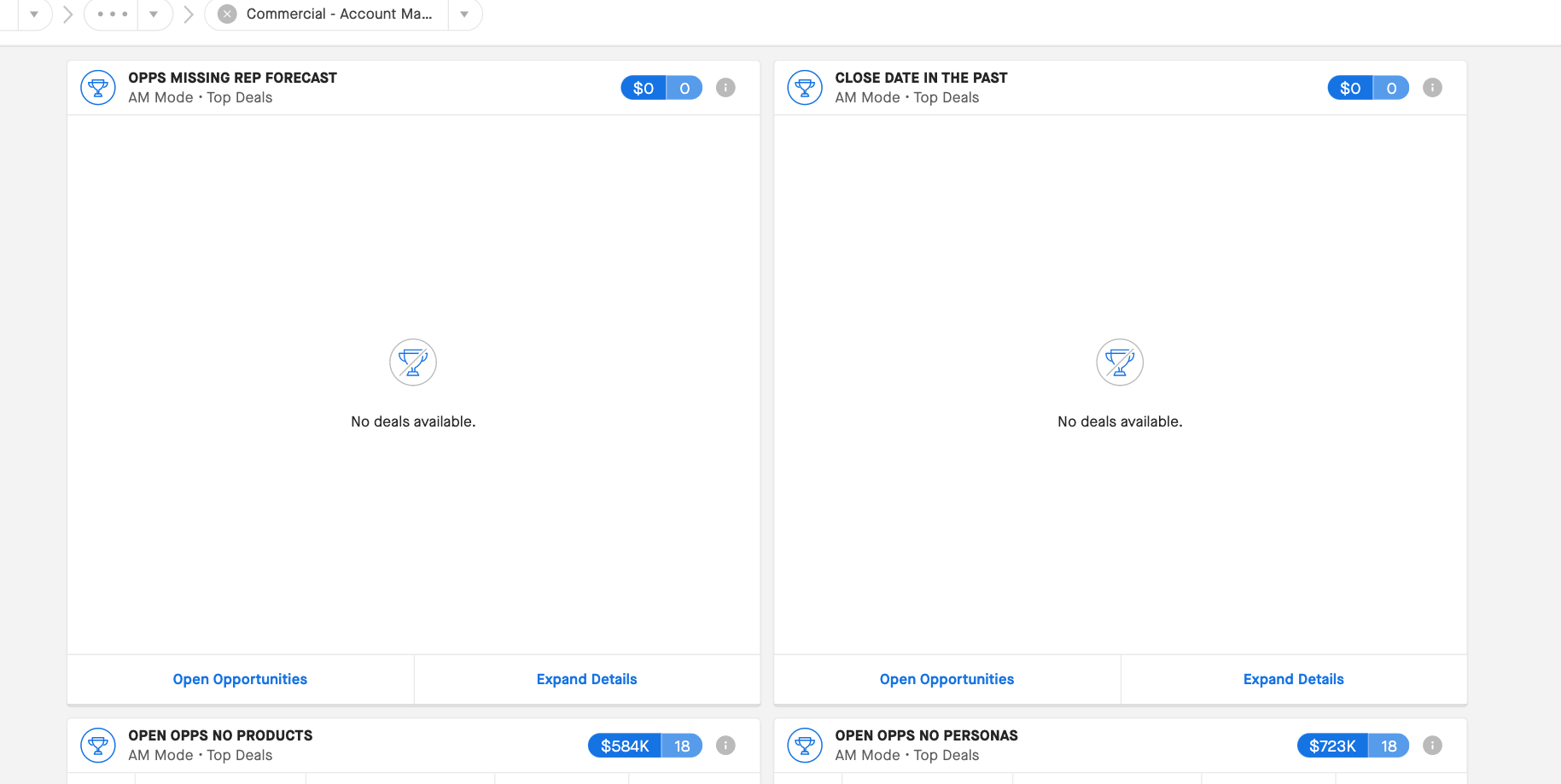
OPPS MISSING REP FORECAST (left) and CLOSE DATE IN THE PAST (right)
These widgets help you get clear on what’s what. Spot deals that are aged, need attention, or that need updates in Clari from your reps.
Widget Descriptions
Left: Opportunities missing a forecast category (like Pipeline or Upside)
Right: Deals that have aged close dates
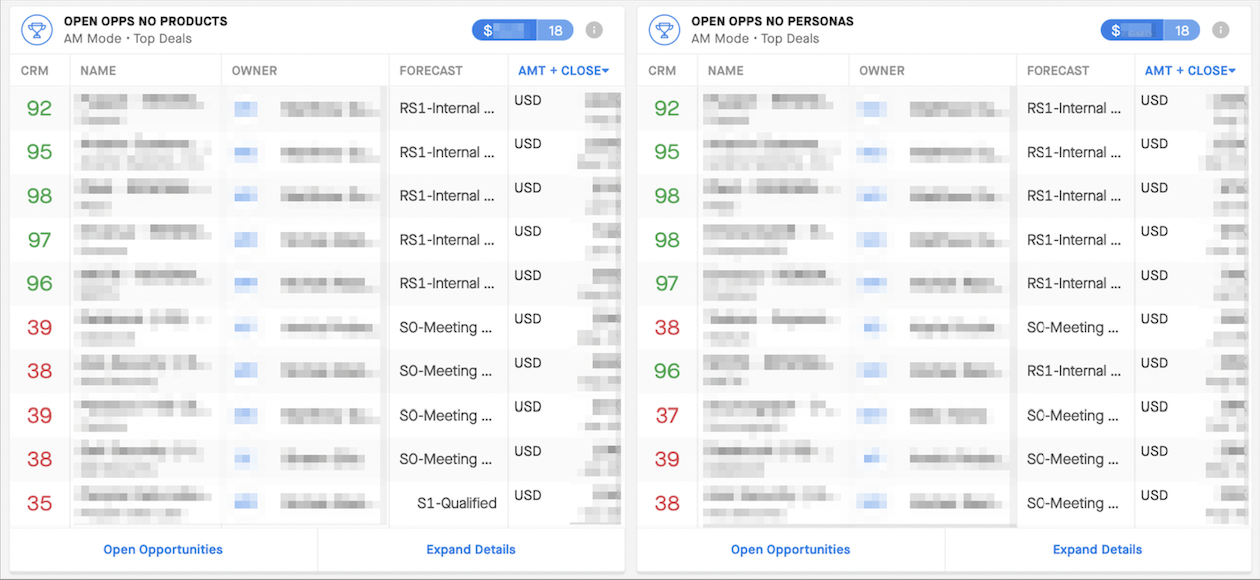
OPEN OPPS NO PRODUCTS (left) and OPEN OPPS NO PERSONAS (right)
These widgets help you identify gaps in your sales opportunities. Work with your reps to clarify exactly what you’re selling—and to whom.
Widget Descriptions
Left: Opportunities that will close in the next 90 days with no products—meaning, no product is specified on the Opportunity in Clari.
Right: Opportunities that will close in the next 90 days with no personas—no customer persona is specified on the Opportunity in Clari.
Widgets for 1:1s
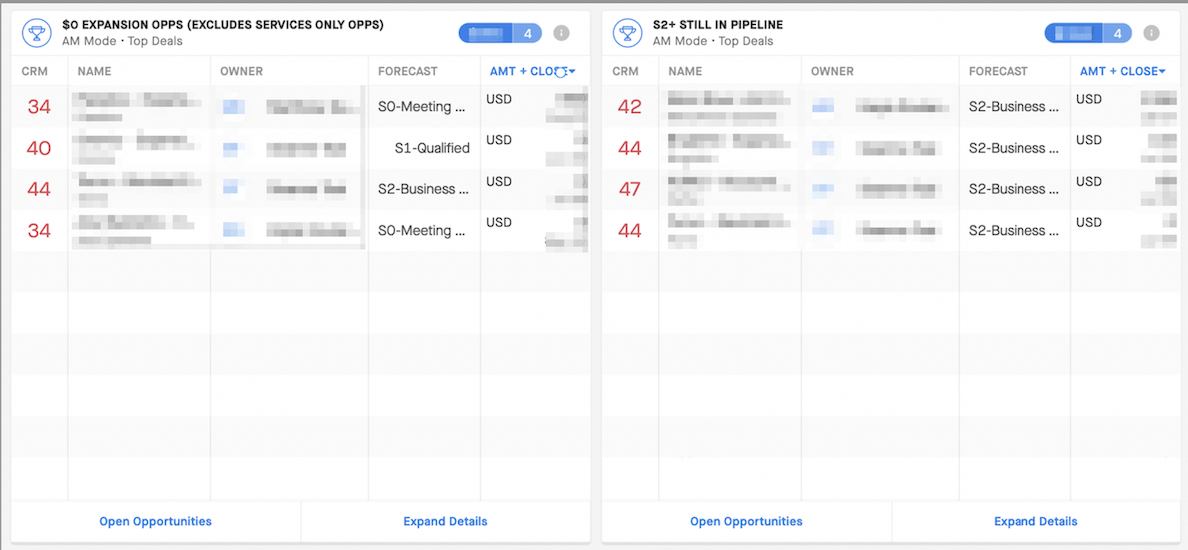
0$ EXPANSION OPPS (left) and S2+ STILL IN PIPELINE (right)
These widgets are great to use in 1:1s. They can help you identify what your team needs to feel more confident about their expansions and what’s still marked as “pipeline.“
Widget Descriptions
Left: Expansion Opportunities with $0 in the ARR/Amount field
Right: Stage 2+ and still in the "Pipeline" Forecast Category by rep
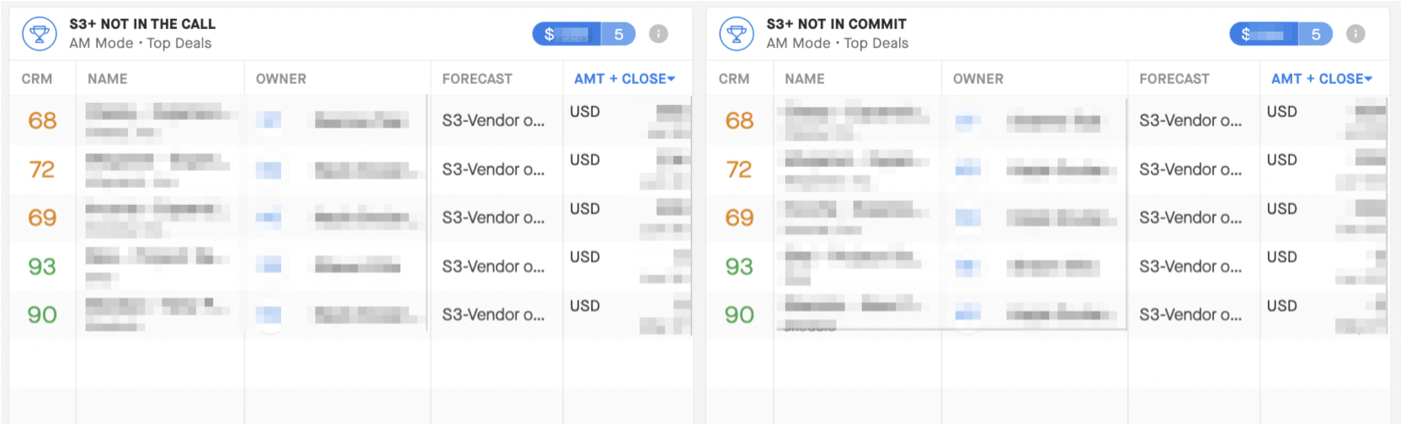
S3+ NOT IN THE CALL (left) and S3+ NOT IN COMMIT (right)
These widgets help you spot deals in Stage 3 or later that your team might not feel confident enough on to mark as "commit." You can determine what will improve the deal's commit potential.
Widget Descriptions
Left: Stage 3+ and not "In The Call" ("In The Call" is a checkbox only managers can update to “commit” a deal beyond the rep committing it)
Right: Stage 3+ and not assigned to the "Commit” Forecast Category by a rep
Widgets for Renewals
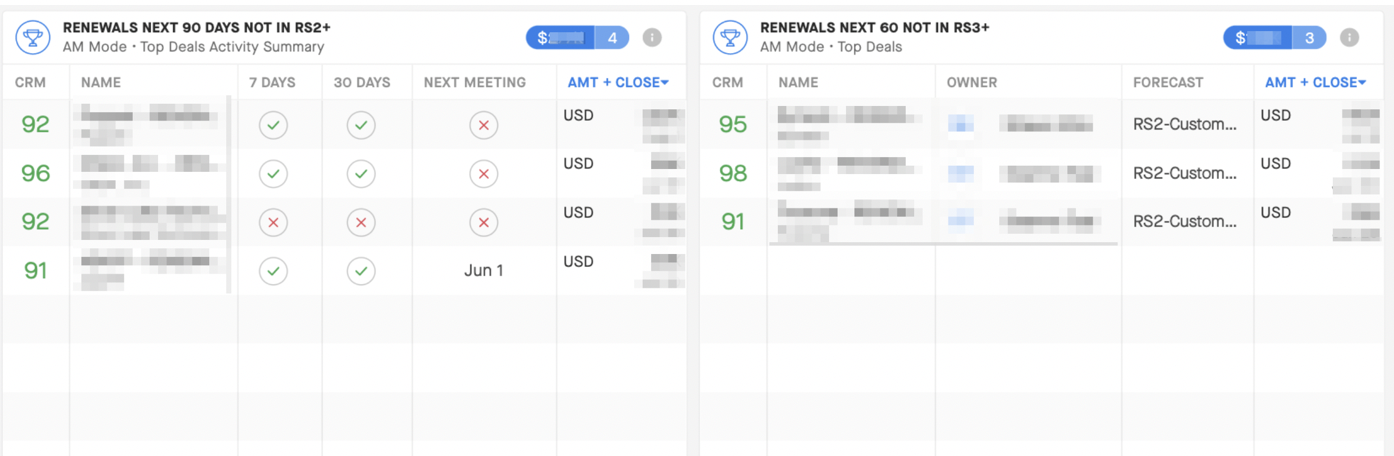
RENEWALS NEXT 90 DAYS NOT IN RS2+ (left) and RENEWALS NEXT 60 NOT IN RS3+ (right)
These widgets help you identify whether or not you are prepared for upcoming renewals to mitigate churn and drive growth.
Widget Descriptions
Left: Renewals in the next 90 days not in renewal stage 2 or beyond
Right: Renewals in the next 60 days not in renewal stage 3 or beyond
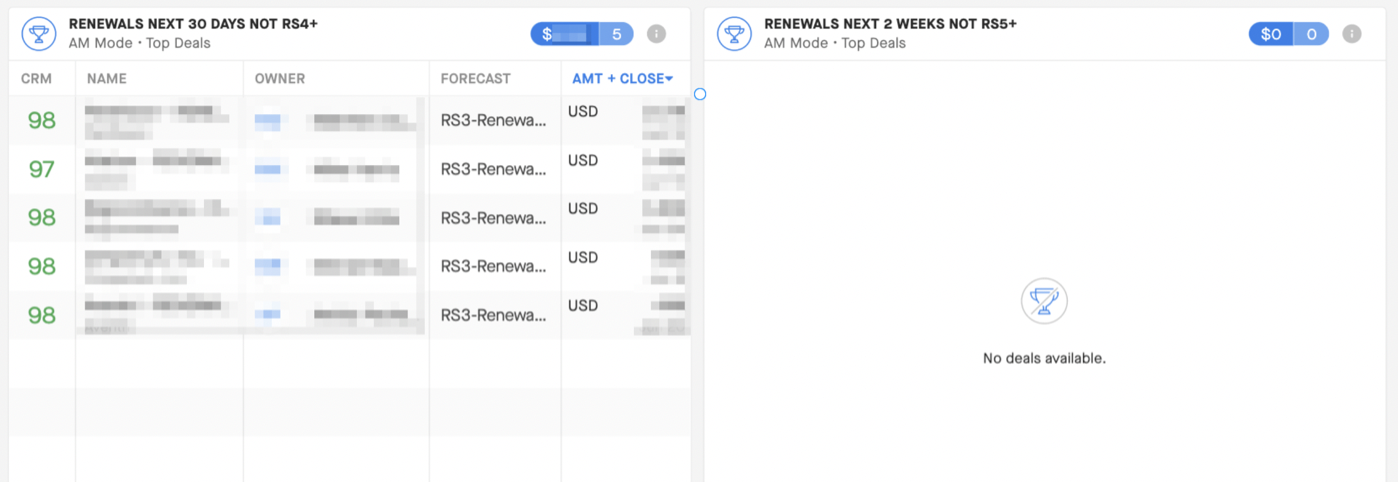
RENEWALS NEXT 30 DAYS NOT RS4+ (left) and RENEWALS NEXT 2 WEEKS NOT RS5+ (right)
Use these widgets to determine if deal close dates are incorrect—or if reps simply forgot to update the Renewal Stage.
Widget Descriptions
Left: Renewals in the next 30 days that aren't in Renewal Stage 4 or beyond
Right: Renewals in the next 2 weeks that aren't in Renewal Stage 5 or beyond
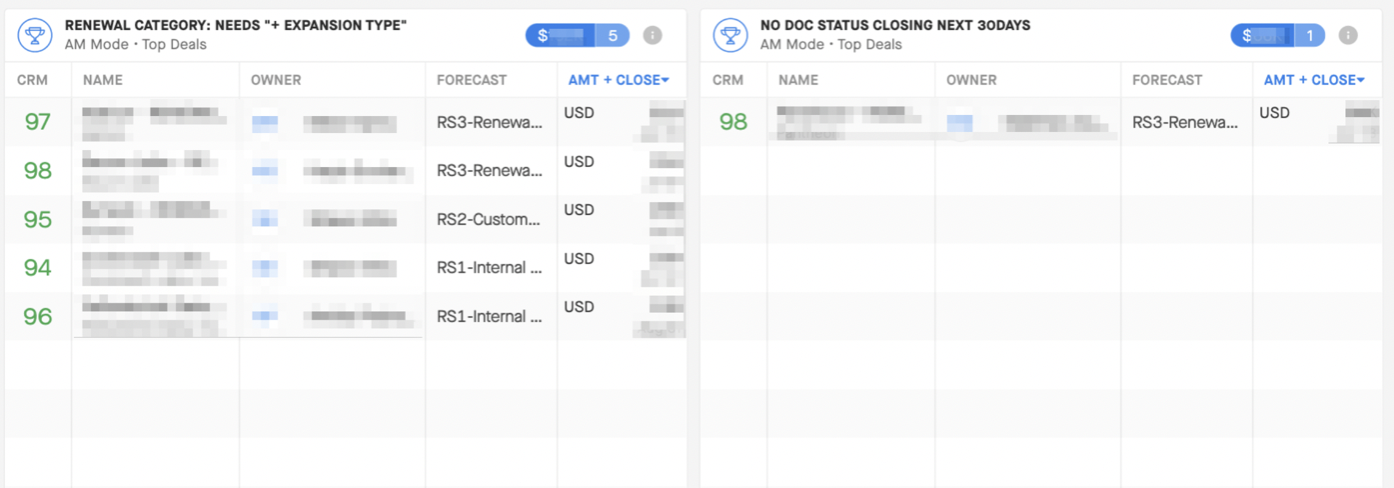
RENEWAL CATEGORY: NEEDS + EXPANSION TYPE (left) and NO DOC STATUS CLOSING NEXT 30 DAYS(right)
Spot where reps haven't added details about renewals—or the status of any documents sent to your customers (have they seen it, signed it, etc.) for deals set to close soon.
Widget Descriptions
Left: Renewal Category missing the expansion type
Right: No Document Status for deals closing in the next 30 days
Widgets that help you align with customers
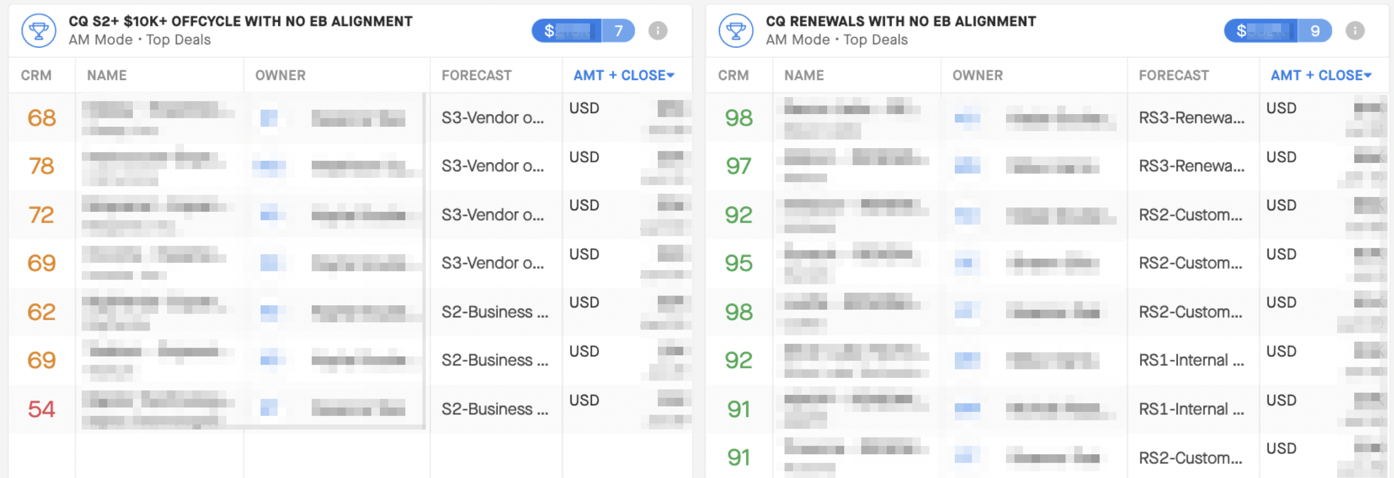
CQ S2+ $10k OFFCYCLE WITH NO EB ALIGNMENT (left) and CQ RENEWALS WITH NO EB ALIGNMENT(right)
These two widgets identify opportunities where you can improve alignment with key stakeholders and executive buyers.
Widget Descriptions
Left: Current Quarter Stage 2+ and $10k+ offcycle expansion with no executive buyer alignment
Right: Current quarter renewals with no executive buyer alignment
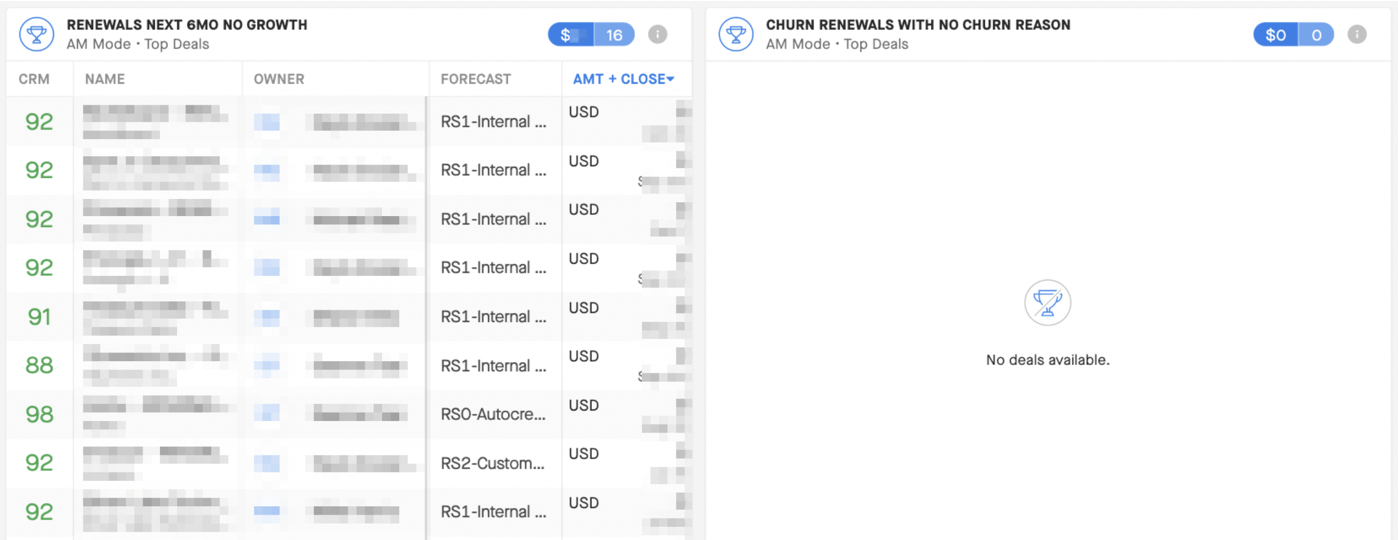
RENEWALS NEXT 6MO NO GROWTH (left) and CHURN RENEWALS WITH NO CHURN REASON (right)
Spot whether deals set to renew in 6 months really have no upside. Identify if those deals have been flat year over year.
Widget Descriptions
Left: Renewals in the next 6 months with no growth
Right: Churn renewals with no churn reason identified by the rep
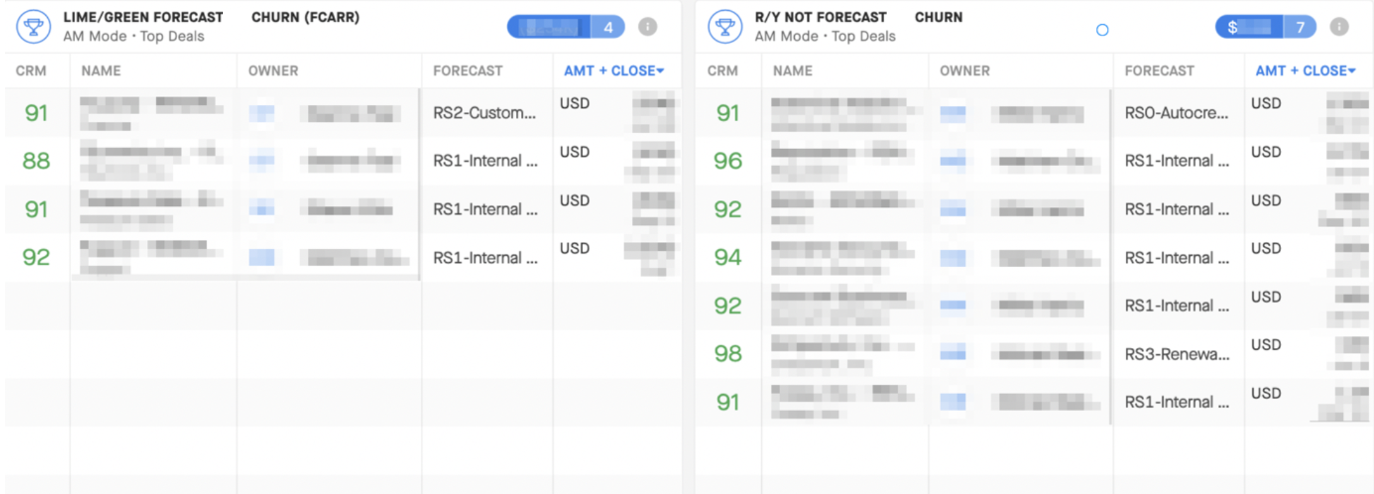
LIME/GREEN Forecast CHURN (left) and R/Y NOT Forecast CHURN (right)
Dig into deals that show healthy status (green CRM Score) in Clari, but that are also forecasted as churn. Or, find out if the deals marked unhealthy (red or yellow CRM Score) are really going to churn or if the rep forgot to update that opportunity.
Widget Descriptions
Left: Lime/Green health customers Forecast churn
Right: Red/Yellow customers not Forecast churn
